For friendship bracelet makers
Every bracelet, knot by knot.
Design patterns, knit them row by row and keep a diary of everything you make. Bracelet Diary remembers your place, so you can put your strings down and pick them up anytime.

Design or scan
Draw a normal or an alpha pattern, or turn a picture of one into a pattern you can edit.
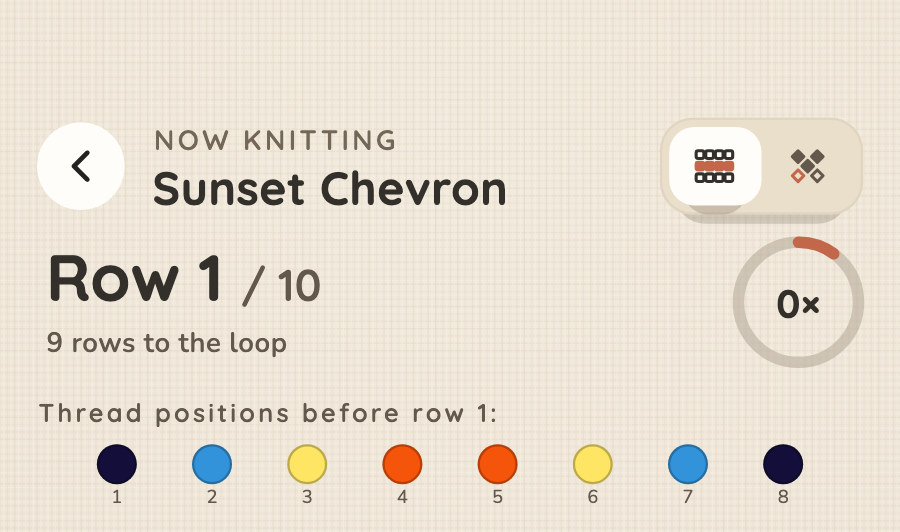
Knit
Follow the pattern row by row, or mark each knot as you tie it. Your place is always saved.
Keep
Every finished bracelet goes into your diary, with its dates, notes and photos.
The app
Everything in one place
Try it here
Play with a pattern
Change a knot, watch the colors follow
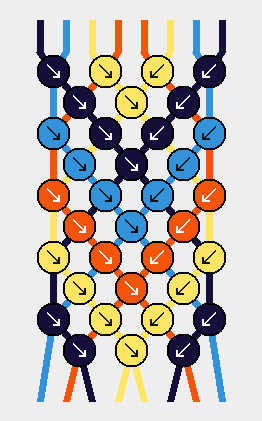
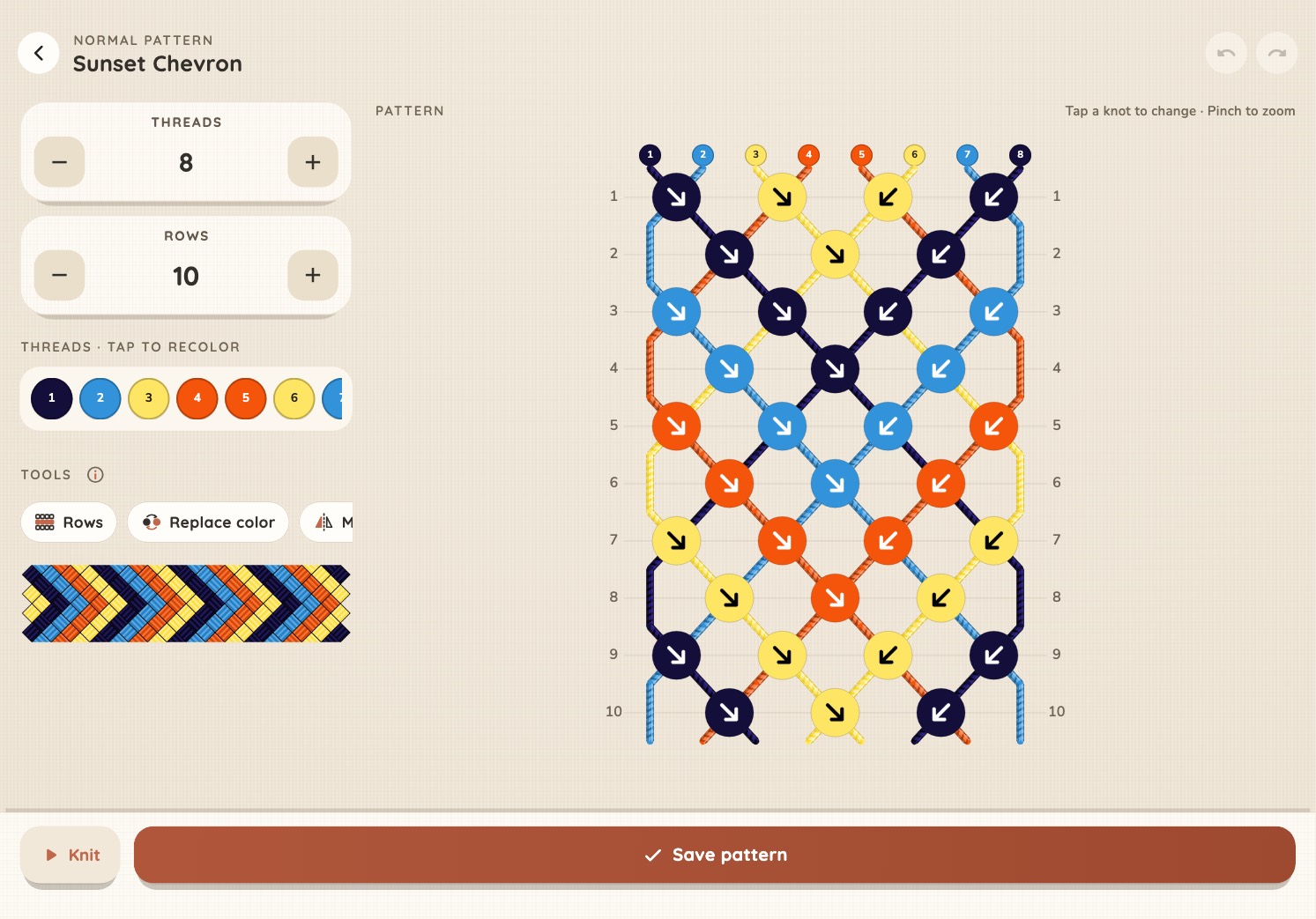
In a normal pattern, every knot is one of four kinds, and each one moves the strings in its own way. Tap any knot to change it.
Paint an alpha pattern
Alpha patterns are drawn cell by cell, like pixel art. Pick a color and paint with your finger or mouse.
Pro
Scan a pattern from a picture
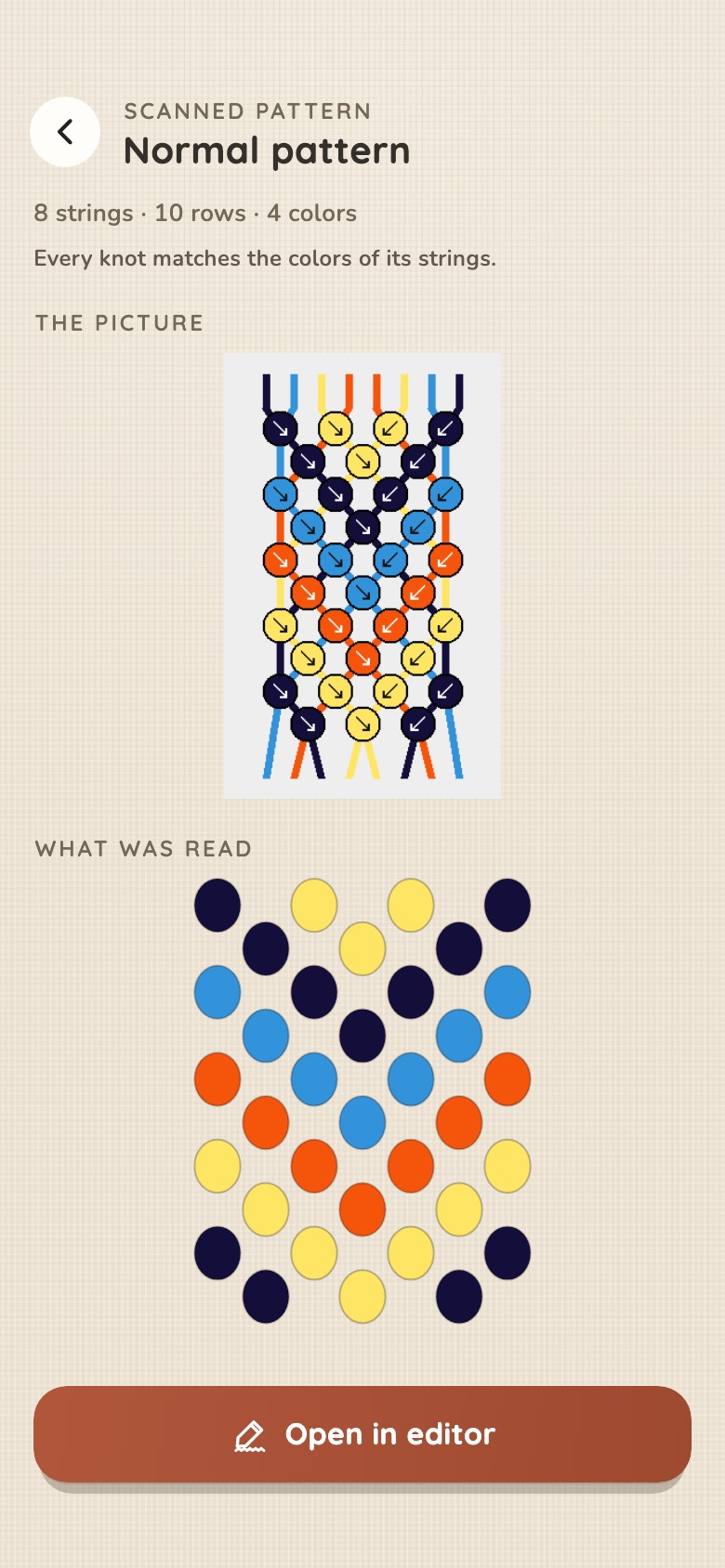
Found a pattern online? Take a screenshot, and Bracelet Diary reads every knot and every color for you. Anything it isn't sure about is circled, so you know where to look.
Free gives you three scans to try it.
Features
Made for the way you knot
Knit row by row
Go row by row, or mark knots one by one. The app saves where you stopped.
Your pace and time left Pro
See how fast you knot, and how long a bracelet still needs.
A diary with photos
Every finished bracelet, with when you made it, your notes and your photos.
Statistics and goals Pro
Bracelets, knots and hours by month and by year, with a goal for each month.
Your thread box Pro
Your skeins by number, and patterns painted with your own floss.
Lists
Keep patterns together your way: gifts, summer, to knit next.
Print a pattern Pro
Any pattern on one page, to print or keep as a PDF.
Backups and sharing
Move your whole diary to a new phone, or send a pattern to a friend.
Phone or tablet
Big patterns on a big screen, on iPad and Android tablets. Light or dark, as you like.
Phone or tablet
Even better on a tablet
On an iPad or an Android tablet, every screen makes use of the extra space. You see more at once, and your patterns are bigger and easier to follow.
Your diary stays on your phone
No account, no sign-in and no ads. Only crash reports and usage counts leave your phone, and neither says who you are.
Pro
Free to start. Pro when you want more.
Try every feature for free, within limits. Pro takes the limits away.
Free
- Knit and keep a diary of every bracelet
- 5 patterns and 2 lists
- 2 bracelets on the go
- 1 photo per bracelet
- 3 pattern scans to try
- Insert, copy and delete rows
- Thread catalogs, backups and sharing
Pro
- As many patterns, lists, bracelets and photos as you like
- Scan any pattern, as often as you like
- Fill, mirror, replace a color, flip, shift and repeat rows
- Statistics, monthly goals, your pace and the time left
- Your thread box
- Print your patterns
Prices in euros. Google Play and the App Store show the price in your currency. Cancel anytime.
Questions